> ## Documentation Index
> Fetch the complete documentation index at: https://docs.zero-x.cloud/llms.txt
> Use this file to discover all available pages before exploring further.
# 1.1.6 Bigquery billing
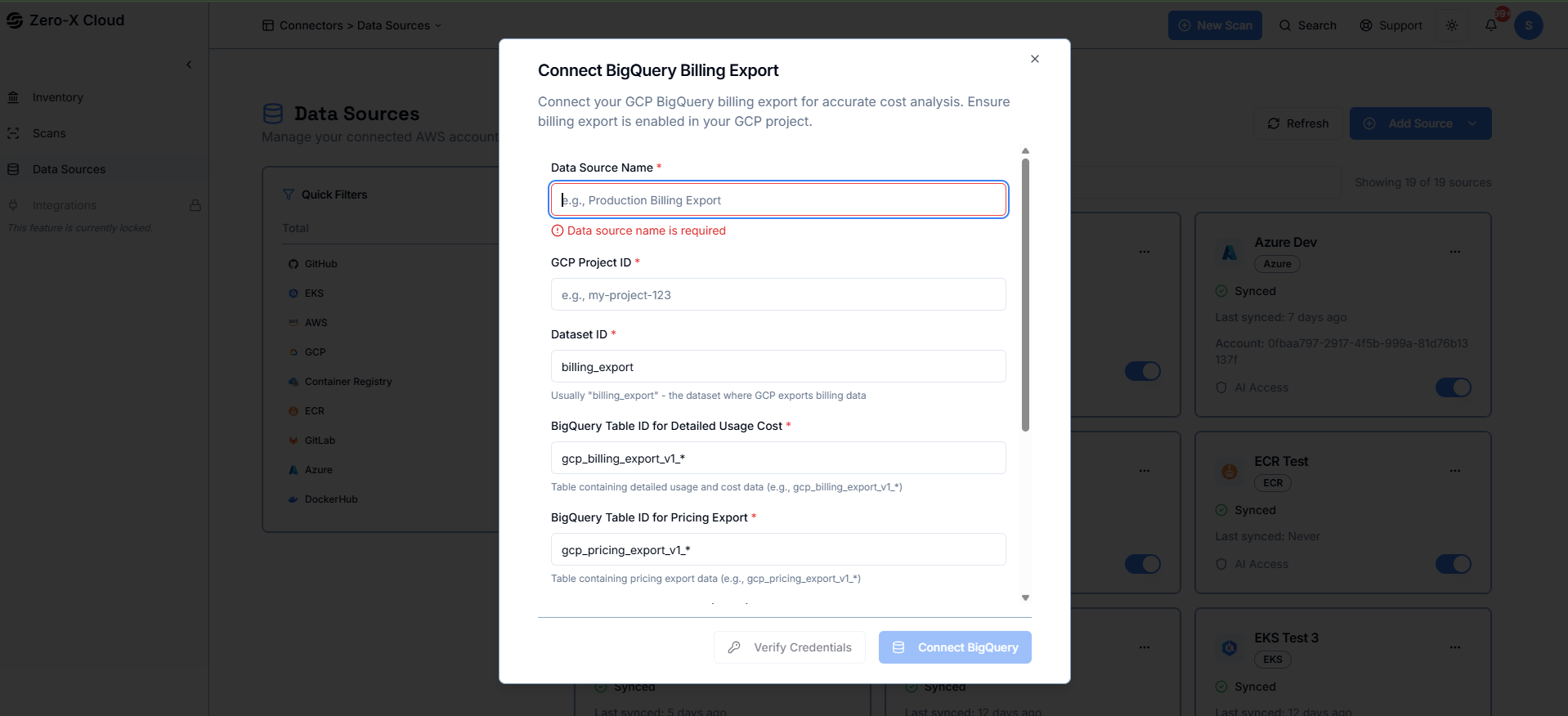 **Step 1 :-** Enter a name for your billing export datasource and provide the GCP Project ID where your billing export is configured.
**Step 2 :-** Enter the Dataset ID used for billing export, along with the table names for detailed usage costs and pricing data.
**Step 3 :-** Paste your Service Account JSON credentials to allow Zero-X to access your BigQuery billing tables securely.
**Step 4 :-** Confirm that billing export is enabled in your GCP project and that the service account has the required BigQuery permissions.
**Step 5 :-** Connect the datasource to start syncing usage and cost data for analysis.