> ## Documentation Index
> Fetch the complete documentation index at: https://docs.zero-x.cloud/llms.txt
> Use this file to discover all available pages before exploring further.
# 1.1.7 Github
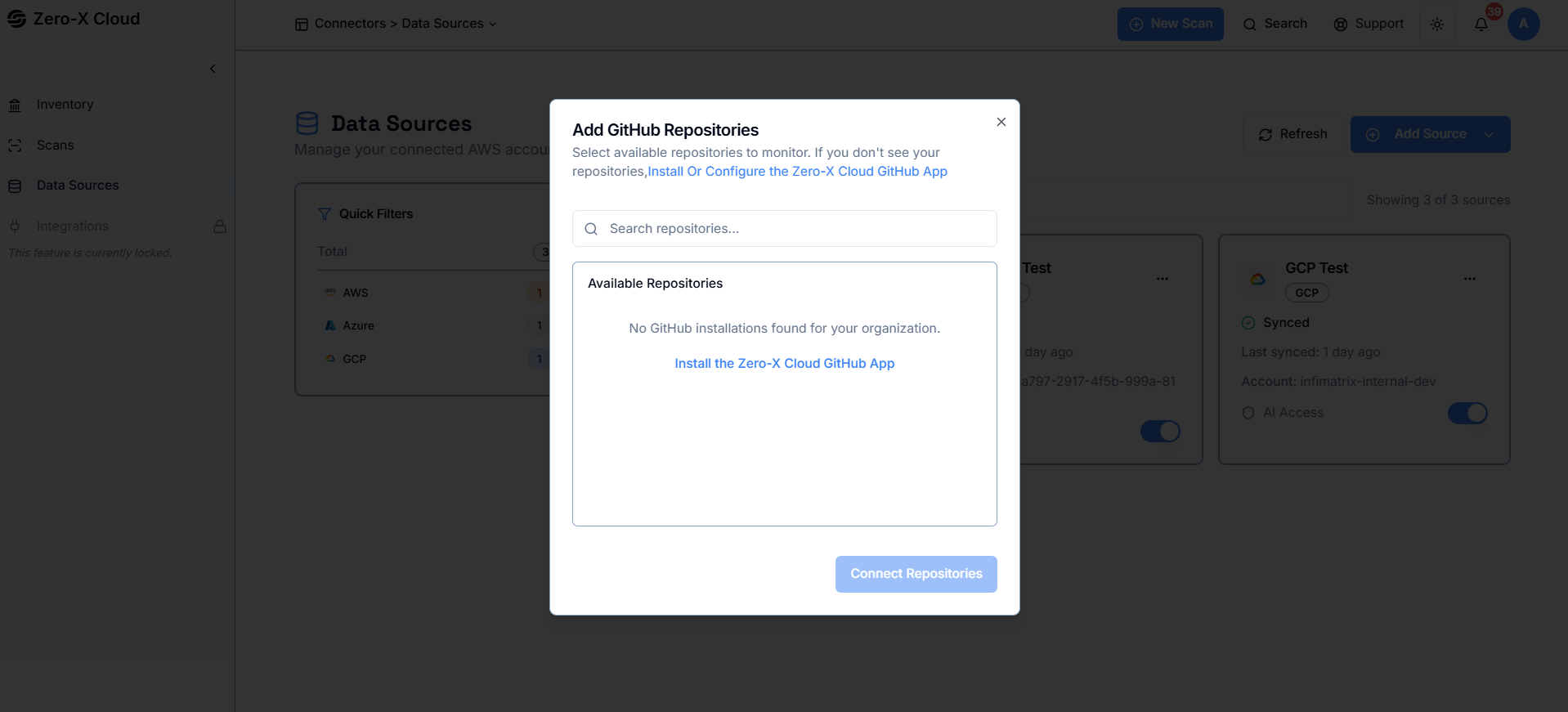 **Step 1 :-** Search for and view the list of GitHub repositories available for monitoring.
**Step 2 :-** Select the repositories you want Zero-X to scan for vulnerabilities, secrets, and configuration risks.
**Step 3 :-** If no repositories appear, install or configure the Zero-X Cloud GitHub App to grant access to your organization’s repositories.
**Step 4 :-** Once connected, return to the list and choose the repositories you want to include in scanning.