> ## Documentation Index
> Fetch the complete documentation index at: https://docs.zero-x.cloud/llms.txt
> Use this file to discover all available pages before exploring further.
# 1.1.8 Bitbucket
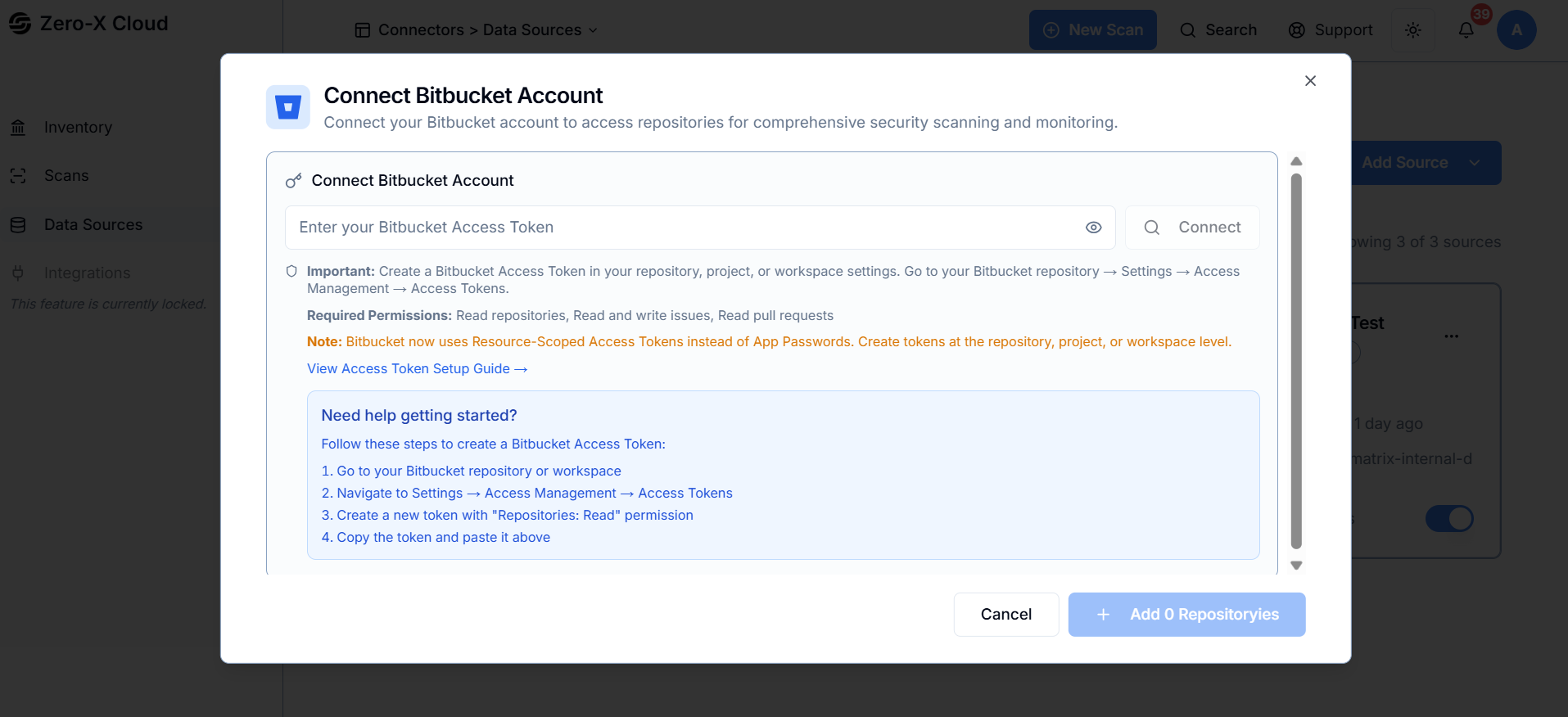 **Step 1 :-** Create a Bitbucket Access Token from your repository, project, or workspace settings with the required permissions (Read Repositories, Read/Write Issues, Read Pull Requests).
**Step 2 :-** Paste your Access Token into the field above and connect your Bitbucket account to Zero-X.
**Step 3 :-** Select the workspace you want to scan. If none appear, ensure your token has workspace-level access.
**Step 4 :-** Search for and select the repositories you want Zero-X to monitor. Results update automatically as you type.