> ## Documentation Index
> Fetch the complete documentation index at: https://docs.zero-x.cloud/llms.txt
> Use this file to discover all available pages before exploring further.
# 4.1 Dashboard
## 2. Kubernetes Security
#### Go to Home
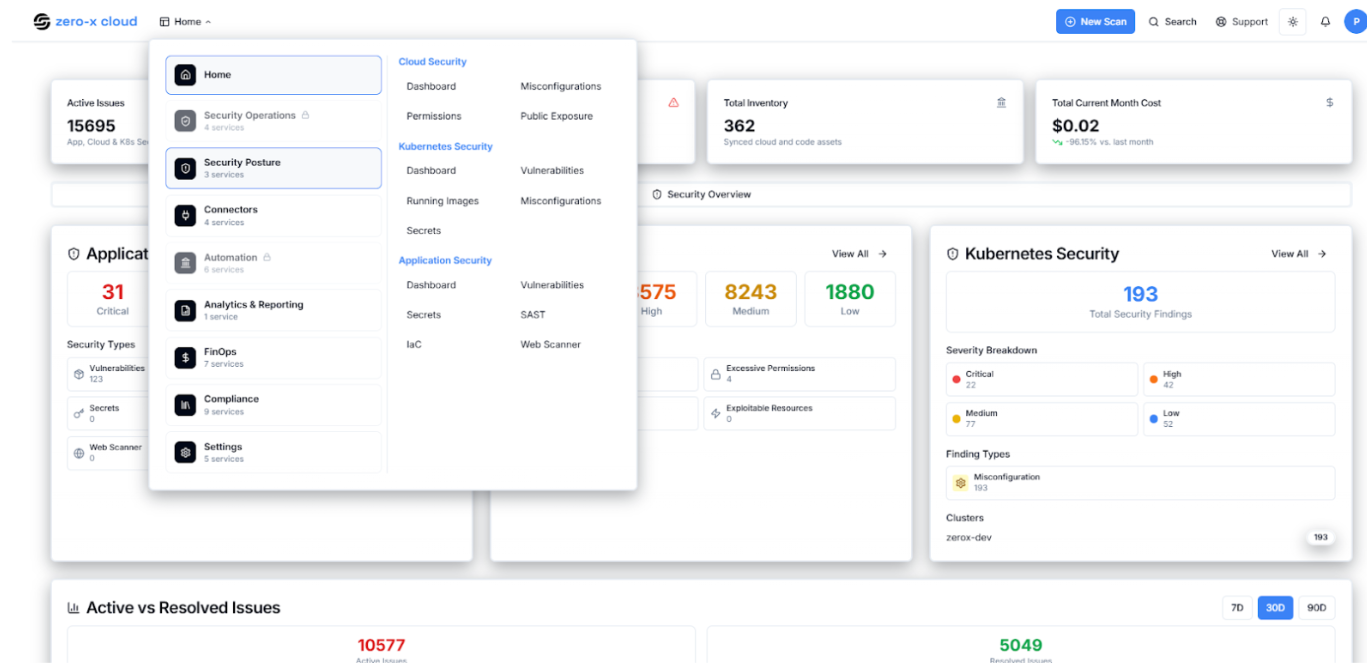
**Step 1 :-** Select Security Findings option
**Step 2 :-** In the Security Findings you can see
##### Options :
1. Cloud Security
2. Kubernetes Security
3. Application Security
**Step 3 :-** Select Kubernetes Security if you have configured datasource like EKS Cluster
It looks like
 ***
### 2.1 Dashboard
**Step 4 :-** So once you select Kubernetes Security
***
### 2.1 Dashboard
**Step 4 :-** So once you select Kubernetes Security
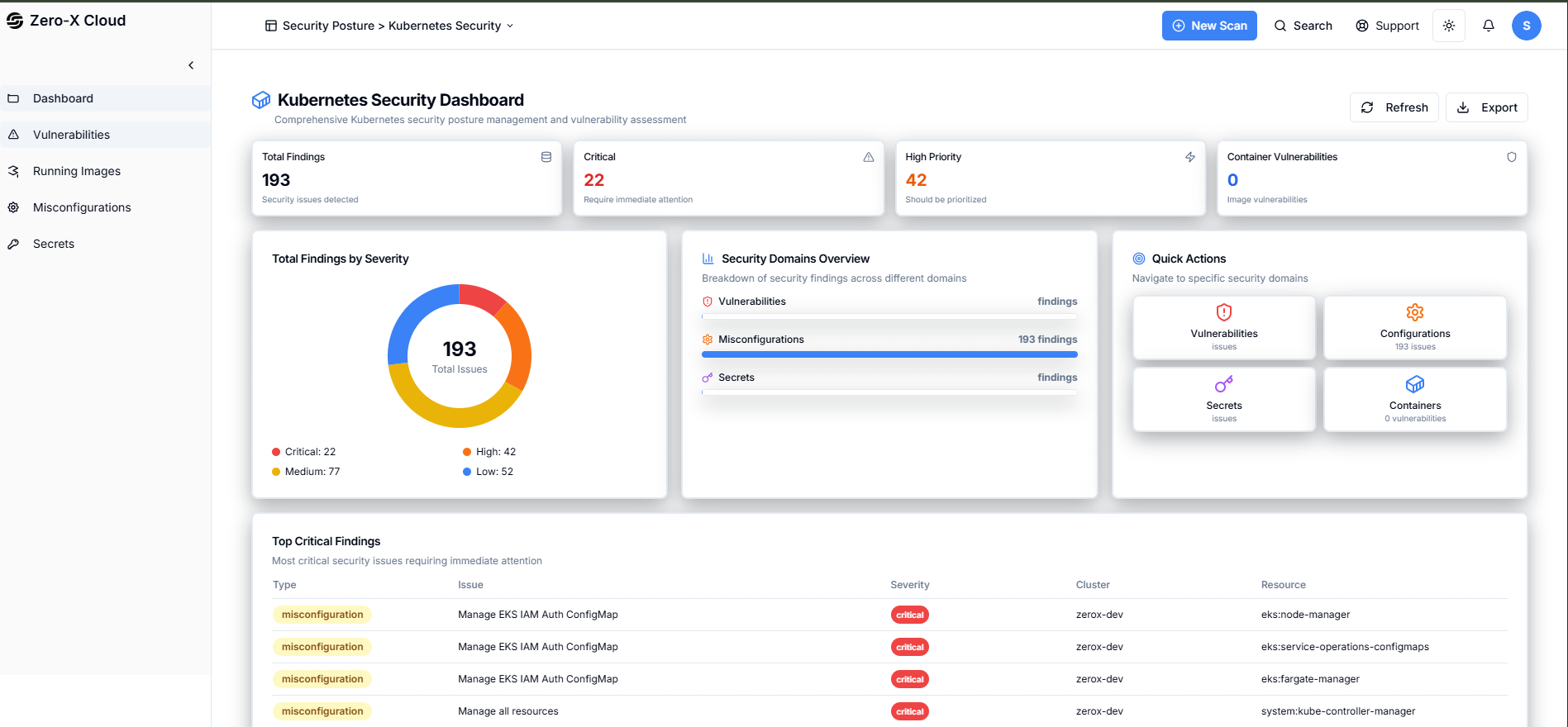
**Step 5 :-** You can See Kubenate Dashboard
Security Findings > Kubernetes Security > Dashboard
In the dashboard, you can see the total finding of your configured EKS, Serverity also recent finding. With the help of a dashboard you can just see the overall activity in one click.