> ## Documentation Index
> Fetch the complete documentation index at: https://docs.zero-x.cloud/llms.txt
> Use this file to discover all available pages before exploring further.
# Onboarding
# Zero-X Cloud Security Platform - Onboarding Documentation
## Overview
The Zero-X Cloud Security Platform onboarding flow is designed to guide new users through the initial setup process, ensuring they have a smooth introduction to the platform's capabilities. The onboarding process consists of three main **Steps: Profile Setup, Data Source Connection, and Security Scan execution**.
The onboarding flow serves as a structured, guided introduction to the Zero-X Cloud Security Platform, addressing the complexities of cloud security setup for new users. It ensures that users are not overwhelmed by the platform's extensive features and instead experience a progressive, step-by-step setup that builds their Security Findings incrementally.
#### 1. Account Creation
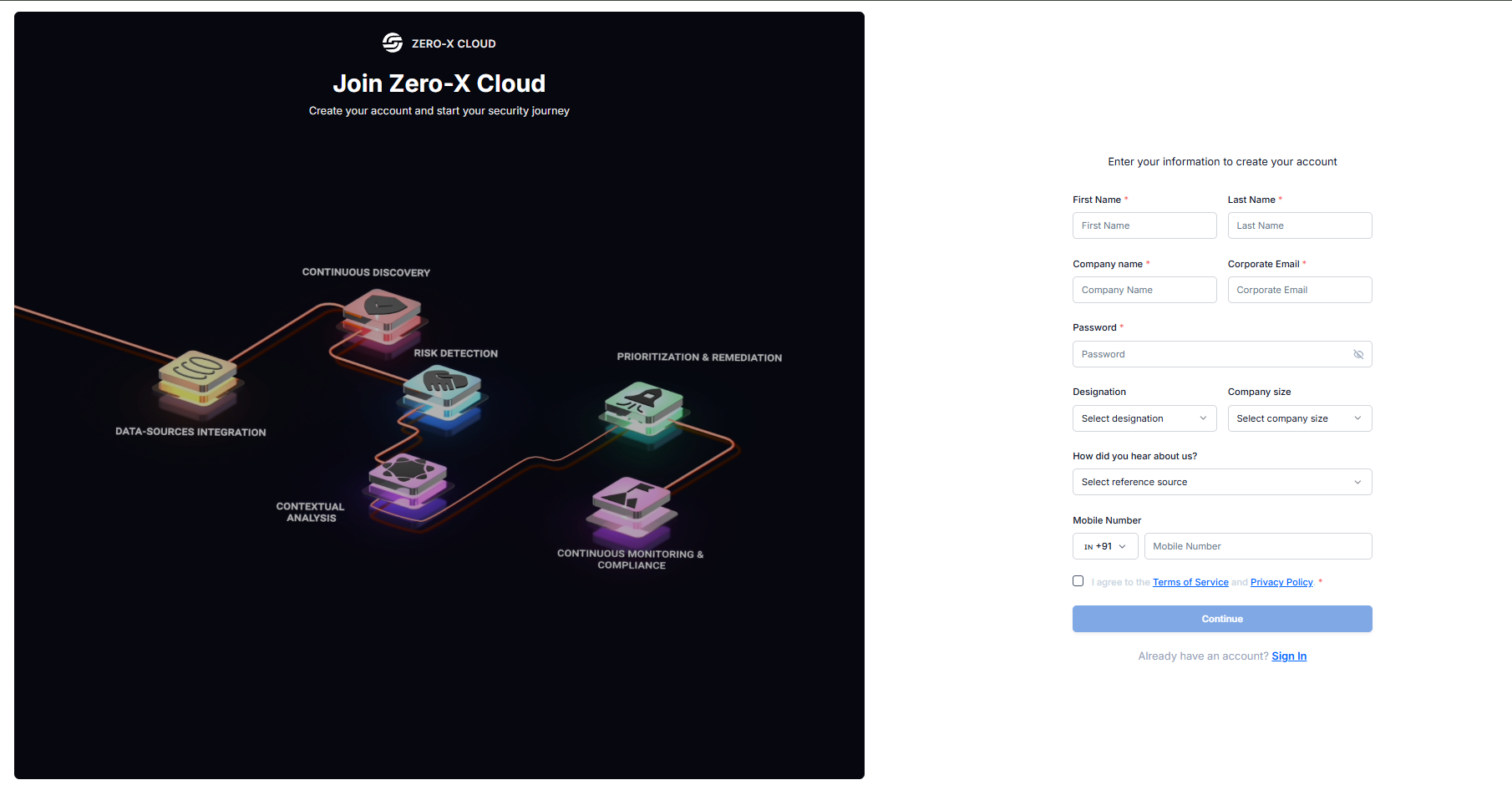
Users create an account in two quick steps:
Enter basic details (name, company, email, password)
Verify email with a one-time code
The process is fast, simple, and designed for secure onboarding.
 #### 2. Login
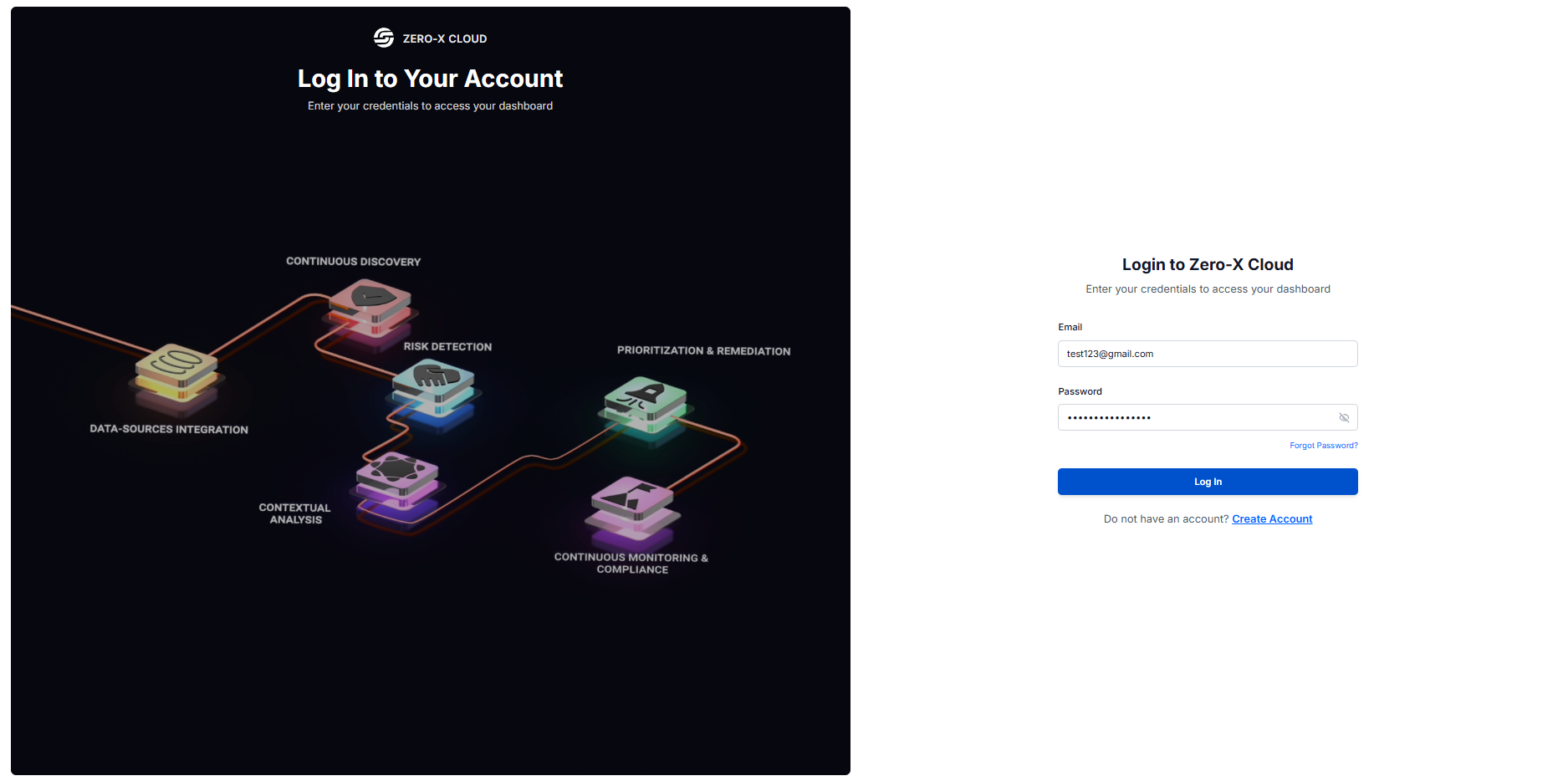
Standard sign-in with email and password, plus options to reset a forgotten password or create a new account.
#### 2. Login
Standard sign-in with email and password, plus options to reset a forgotten password or create a new account.
 #### 3. Password Recovery
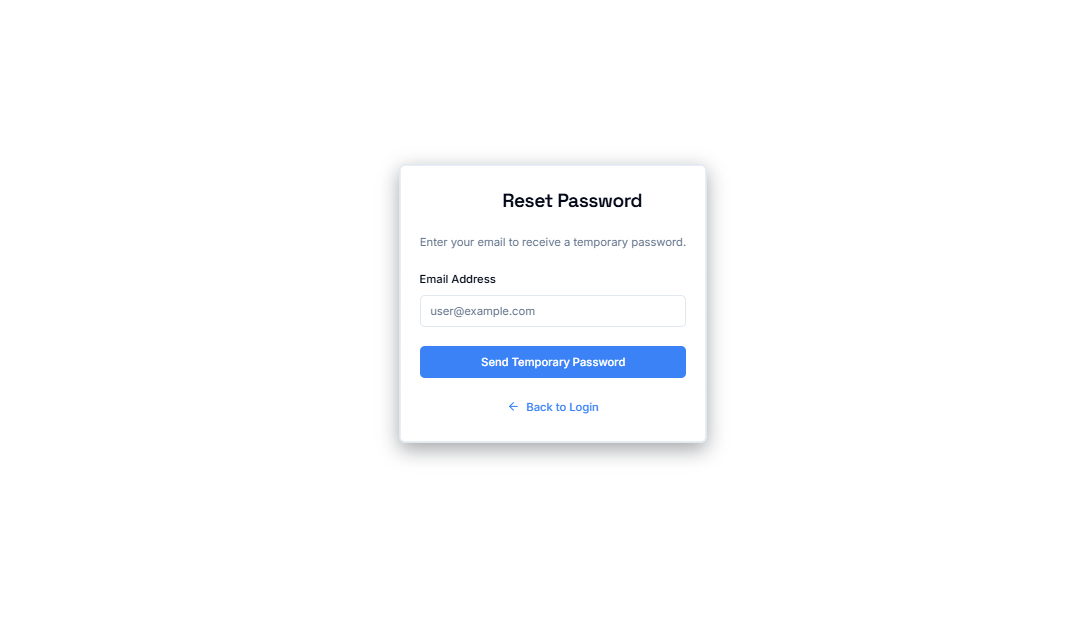
Users enter their email and receive a reset link or temporary password to regain access instantly.
#### 3. Password Recovery
Users enter their email and receive a reset link or temporary password to regain access instantly.
 ### 2. Onboarding Flow
The main onboarding flow is a guided, step-by-step process that helps users set up their security monitoring environment.
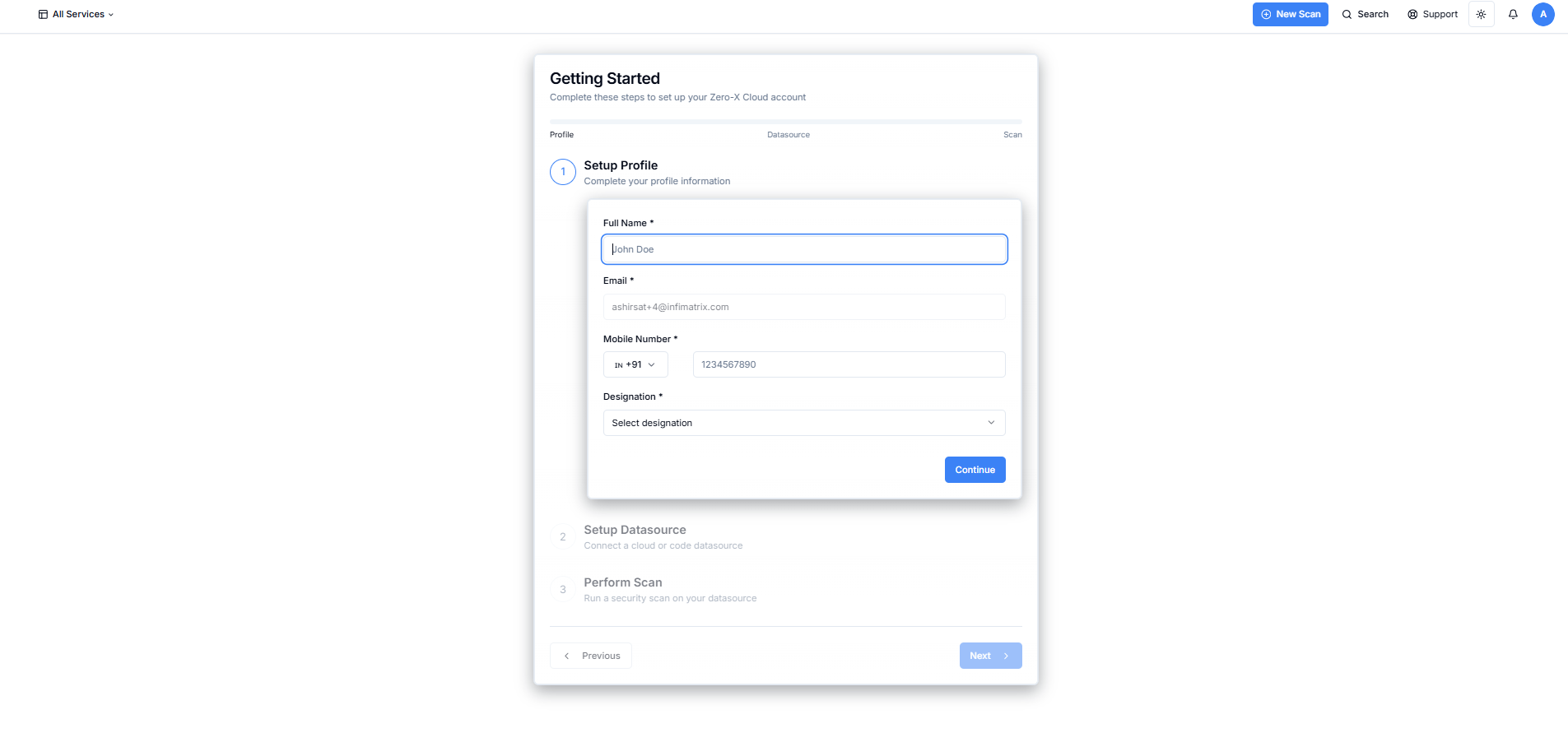
* #### Step 1: Profile Setup
Users complete their profile with name, mobile number, and designation. Once done, the step is marked complete.
### 2. Onboarding Flow
The main onboarding flow is a guided, step-by-step process that helps users set up their security monitoring environment.
* #### Step 1: Profile Setup
Users complete their profile with name, mobile number, and designation. Once done, the step is marked complete.
 * #### Step 2: Connect Data Sources
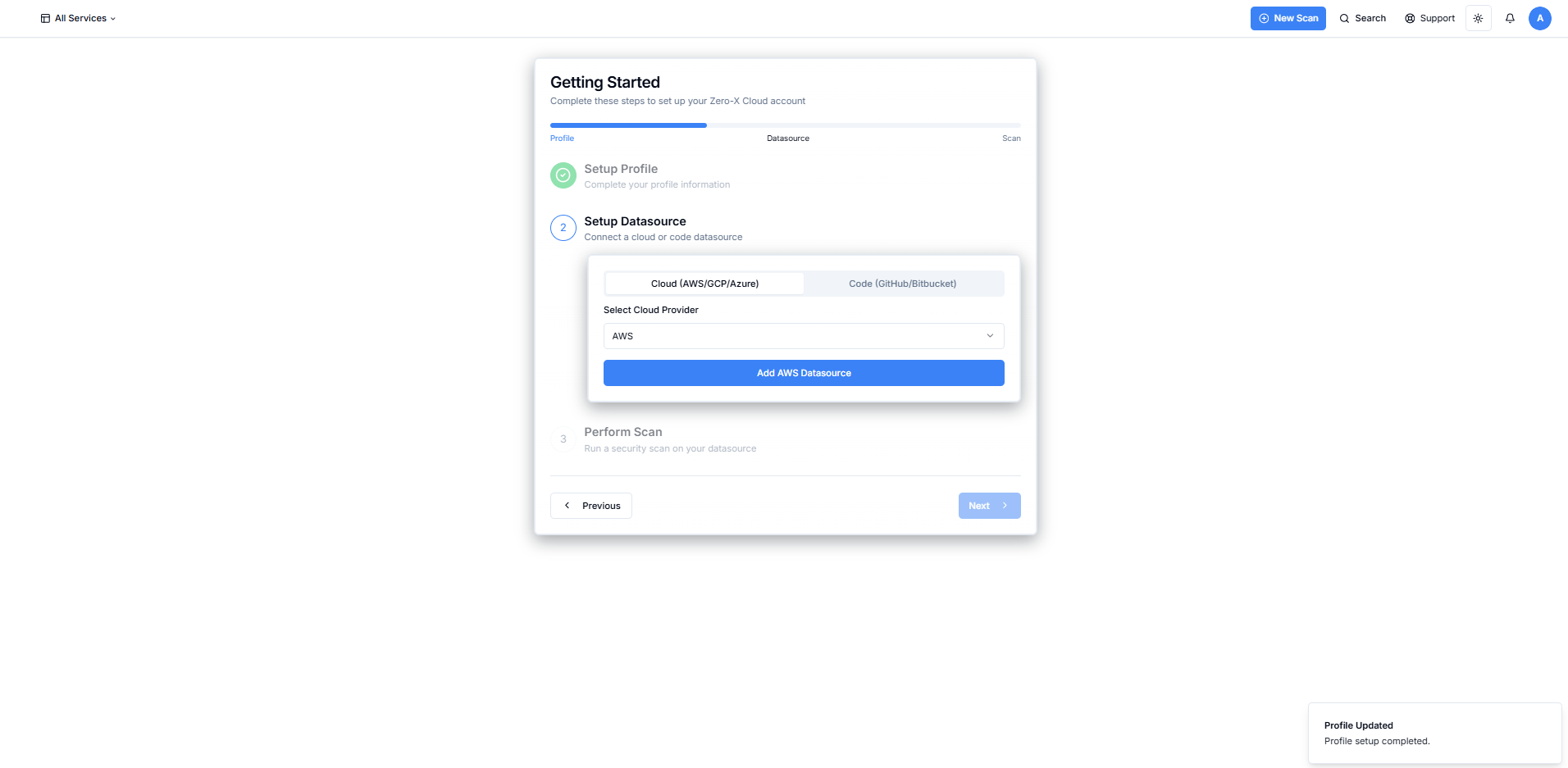
Users choose what they want to secure:
Cloud Accounts: **AWS, GCP, Azure**
Code Repositories: **GitHub, Bitbucket**
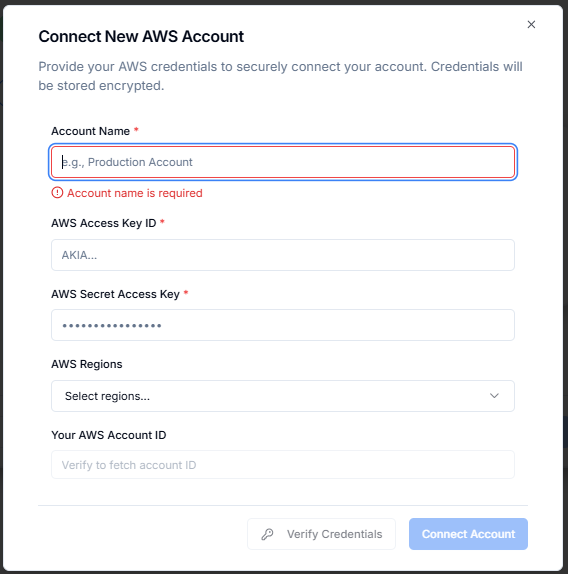
After connection, Zero-X automatically syncs assets and prepares the environment for scanning.
* #### Step 2: Connect Data Sources
Users choose what they want to secure:
Cloud Accounts: **AWS, GCP, Azure**
Code Repositories: **GitHub, Bitbucket**
After connection, Zero-X automatically syncs assets and prepares the environment for scanning.
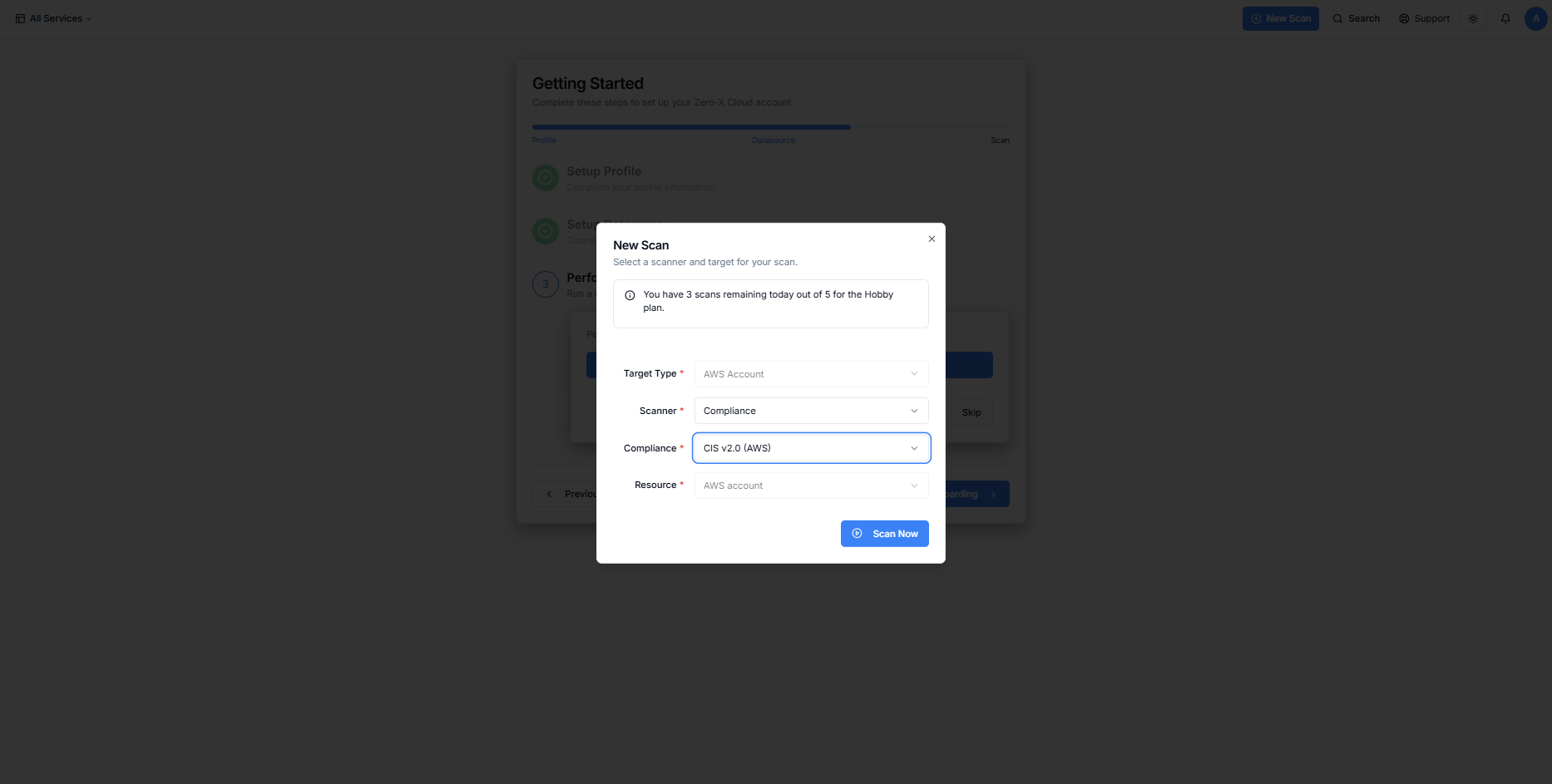
 * #### Step 3: Initial Security Scan (Optional)
Users can run their first scan immediately:
Select scan type
View live progress and results
See findings populate in real time
This step gives users an instant look at their Security Findings.
* #### Step 3: Initial Security Scan (Optional)
Users can run their first scan immediately:
Select scan type
View live progress and results
See findings populate in real time
This step gives users an instant look at their Security Findings.