3. Analytics and Reporting
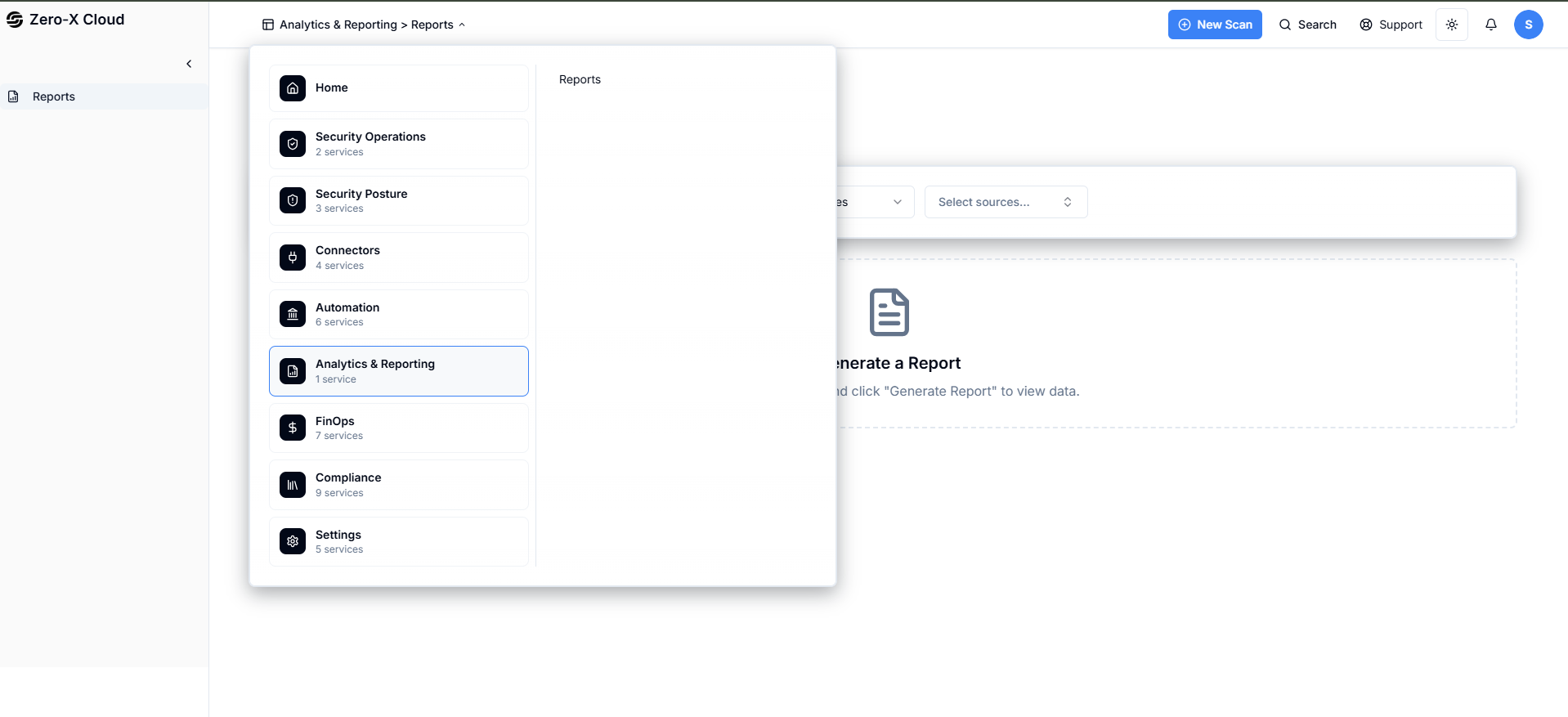
Step 1 :- Go To home PageStep 2 :- Select option Analytics and Reporting
Step 3 :- There is 1 option i.e. Report
Step 4 :- Click on Report
3.1 Analytics & Reporting > Reports
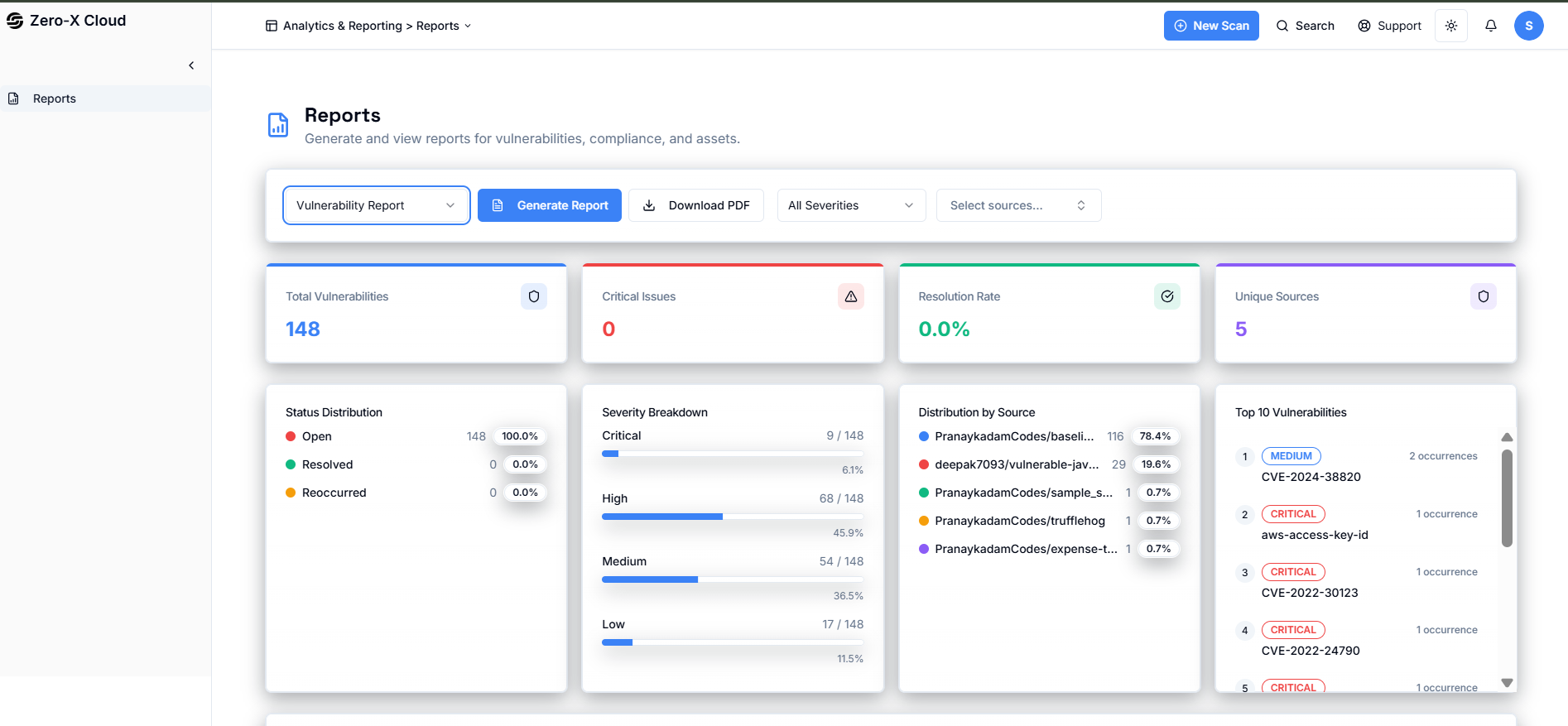
Step 6 :-
- Vulnerabilities report
- CSPM Findings report
- Inventory report
- Cost Finding report
Step 8 :- If you want to download you can click on download PDF.
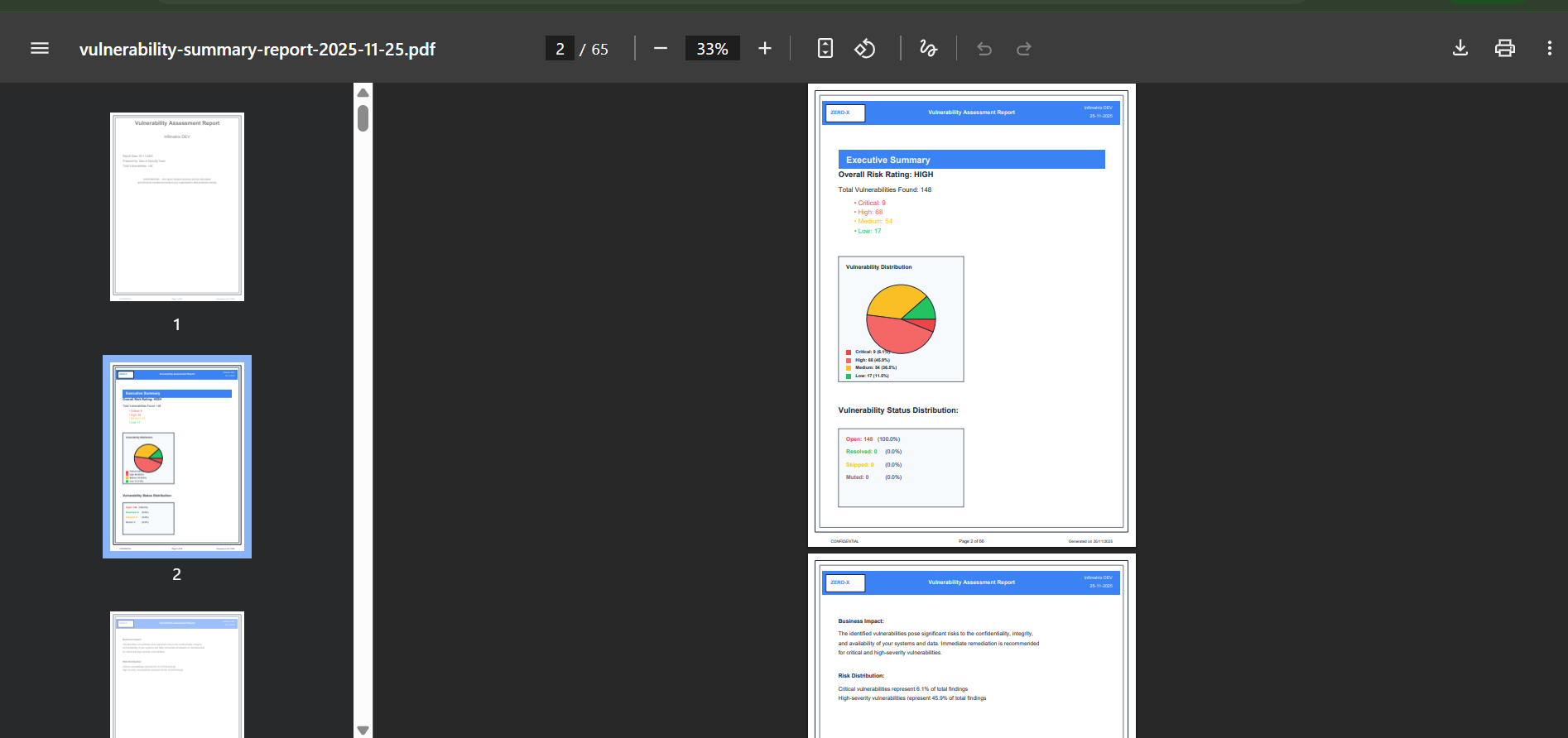
Here is sample of Report