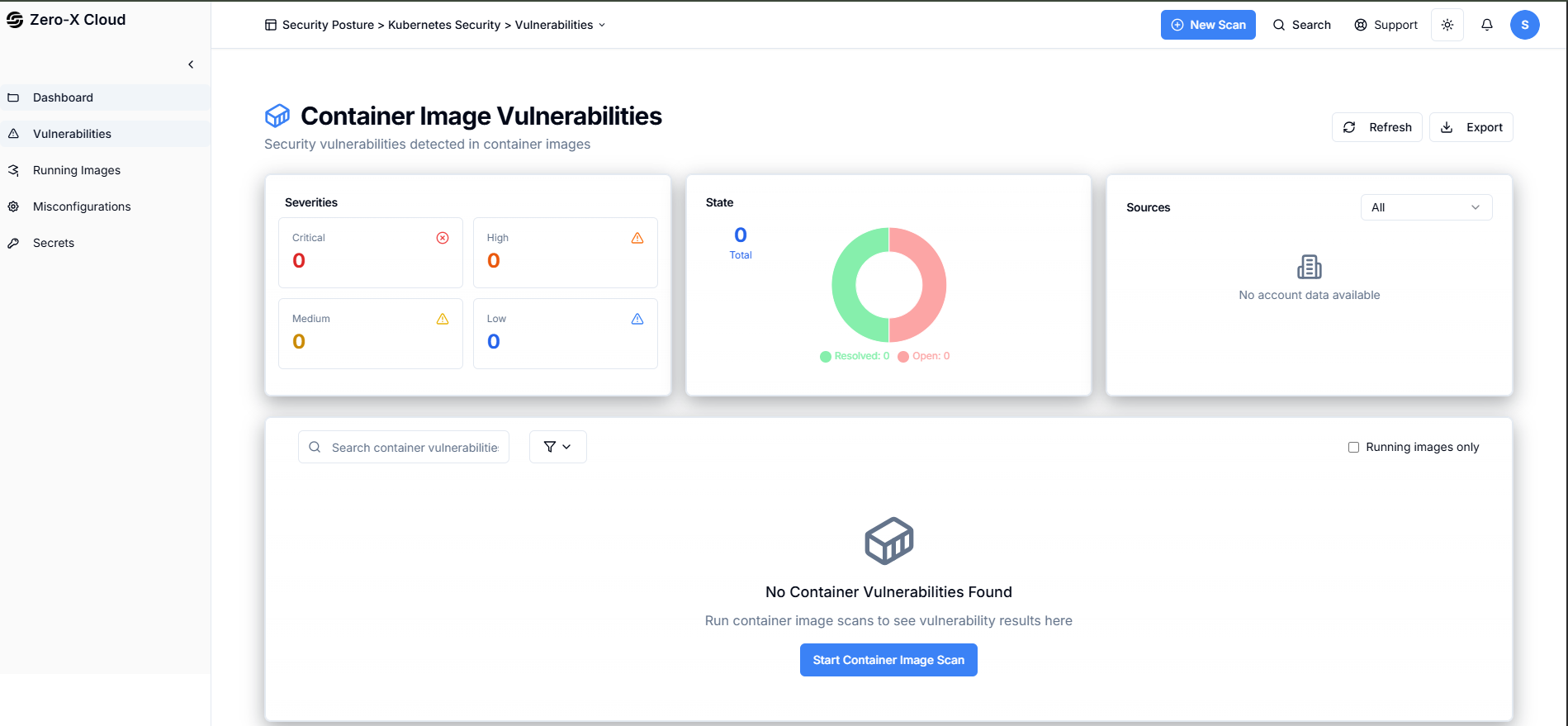
Step 2 :- You can see left side menu where
Step 3 :- Clicked on 3rd option i.e. Vulnerabilities Now You can see Kubernetes Vulnerabilities Security Findings > Kubernetes Security > Vulnerabilities
Running Container Images
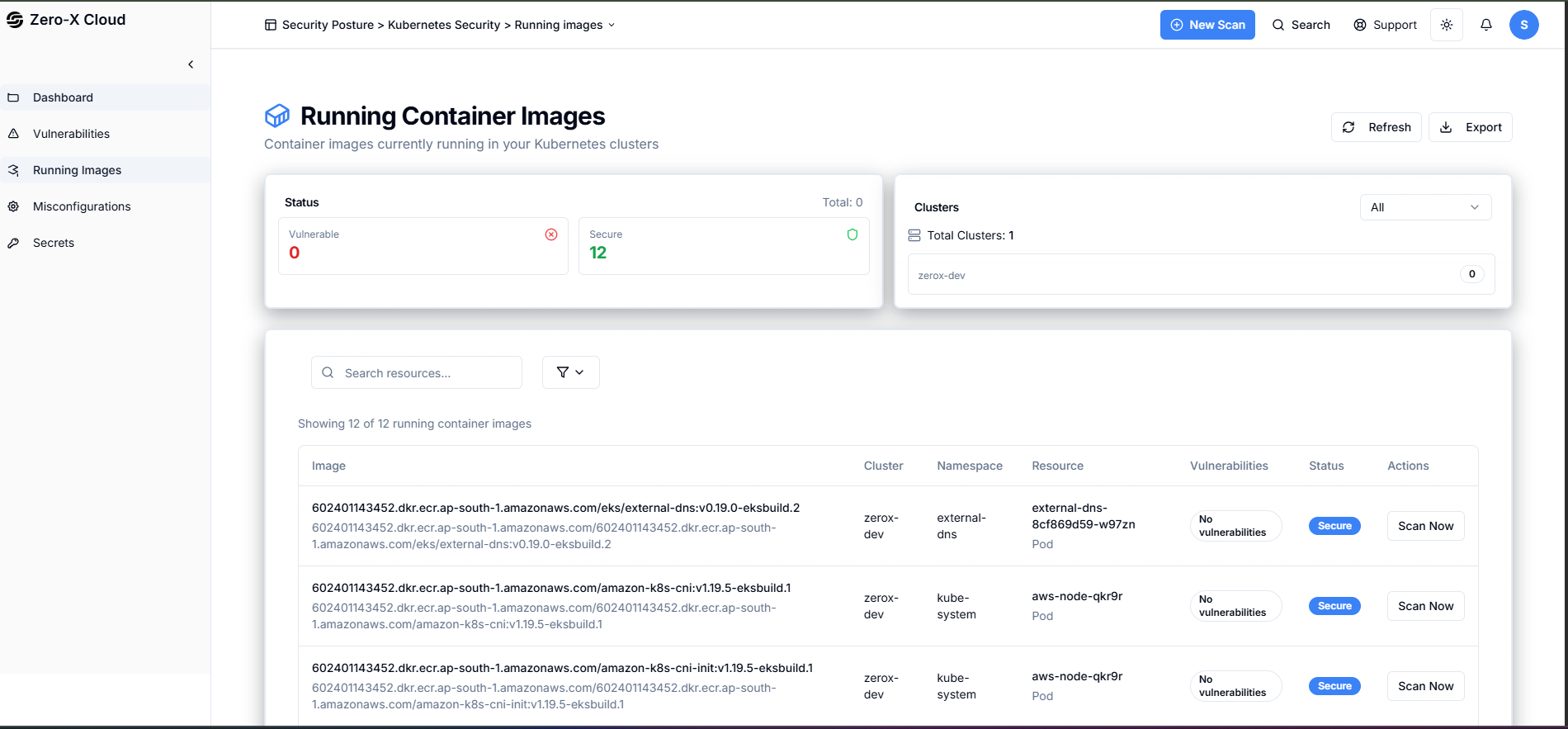
Container images currently running in your Kubernetes clusters Step 1 :- When You have seen Dashboard, You can see Running ContainersStep 2 :- In the left side menu you can click on running image
Step 3 :- Now we are on page of Running Container Image