SAST (Static Application Security Testing)
Step 1 :- Go to Left side menu of Application security on sameStep 2 :- Select SAST
Step 3 :- After that you’ll get Dashboard of SAST when we can see running SAST findings Static application security testing findings from code analysis Security Posture > Application Security > Static Application Security Testing

3.5 IAC Security
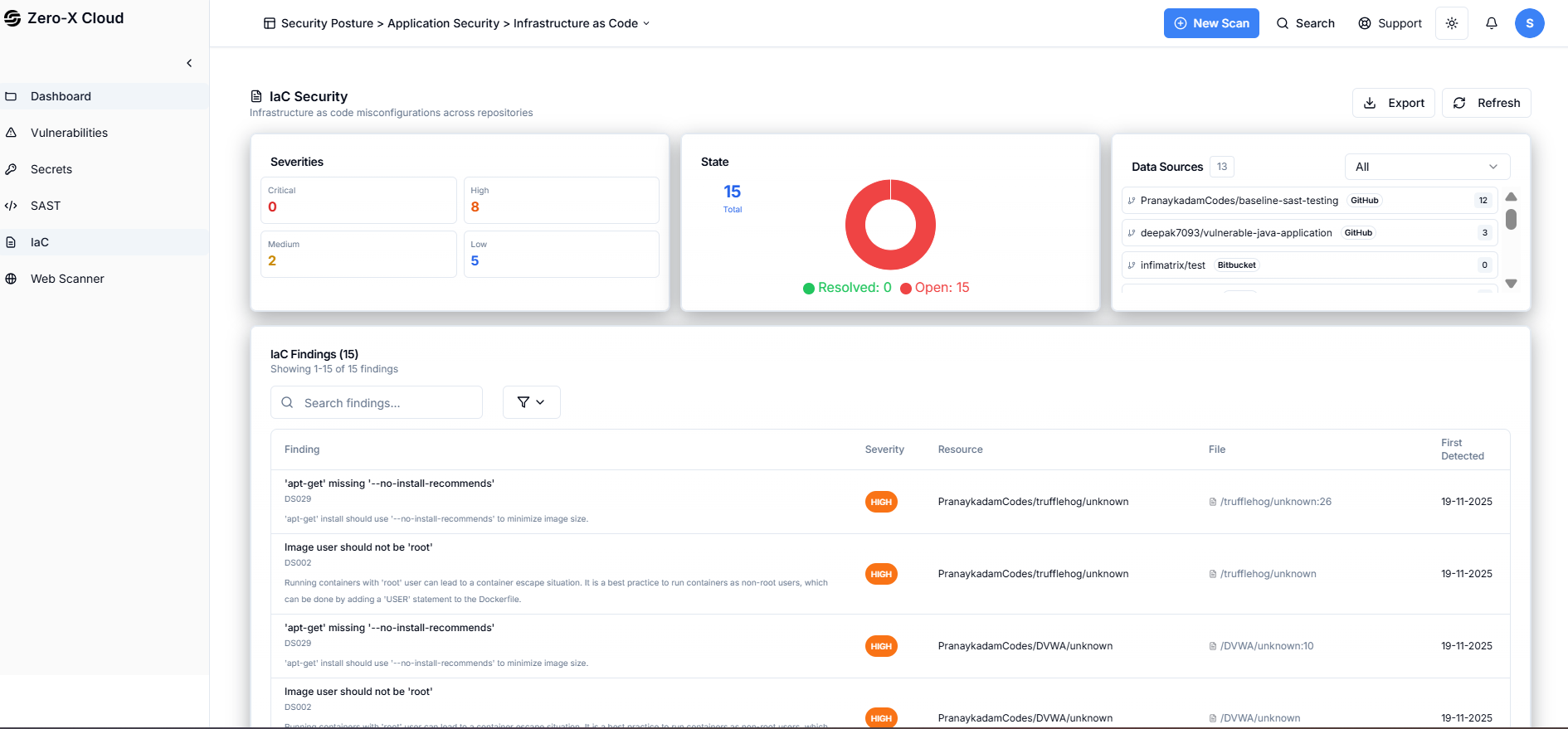
In the Application Security DashboardStep 1 :- Clicked on left side menu
Step 2 :- You can see option IAC Security
Step 3 :- Select IAC Security, Go on Dashboard of IAC Security Security Posture > Application Security > Infrastructure as Code Infrastructure as code misconfigurations across repositories.
3.6 Web Scanner
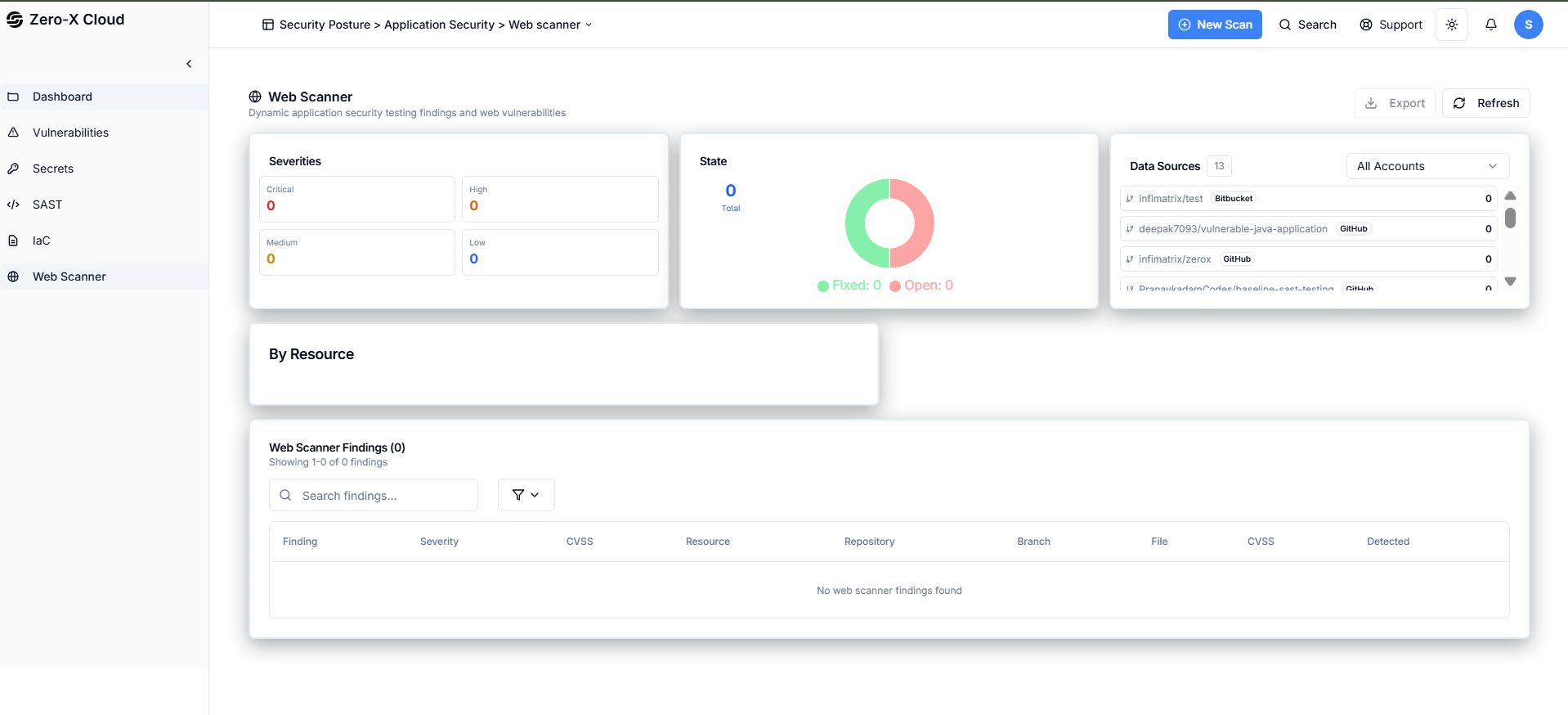
On Same pageStep 1 :- Clicked on left side menu last option
Step 2 :- You can see option Web Scanner
Step 3 :- Select Web Scanner, Go on Dashboard of Web Scanner Security Posture > Application Security > Web scanner Dynamic application security testing findings and web vulnerabilities