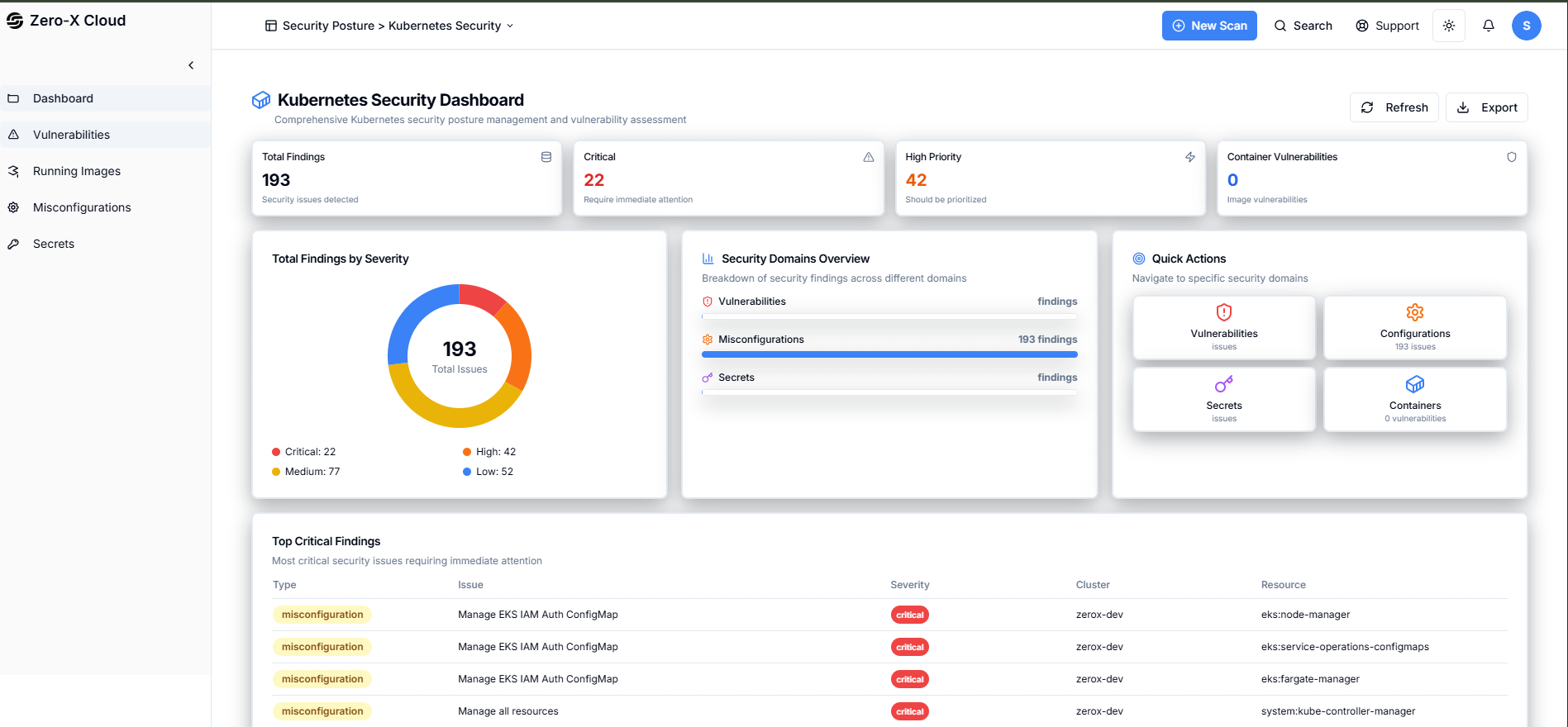
2. Kubernetes Security
Go to Home
Step 1 :- Select Security Findings optionStep 2 :- In the Security Findings you can see
Options :
- Cloud Security
- Kubernetes Security
- Application Security
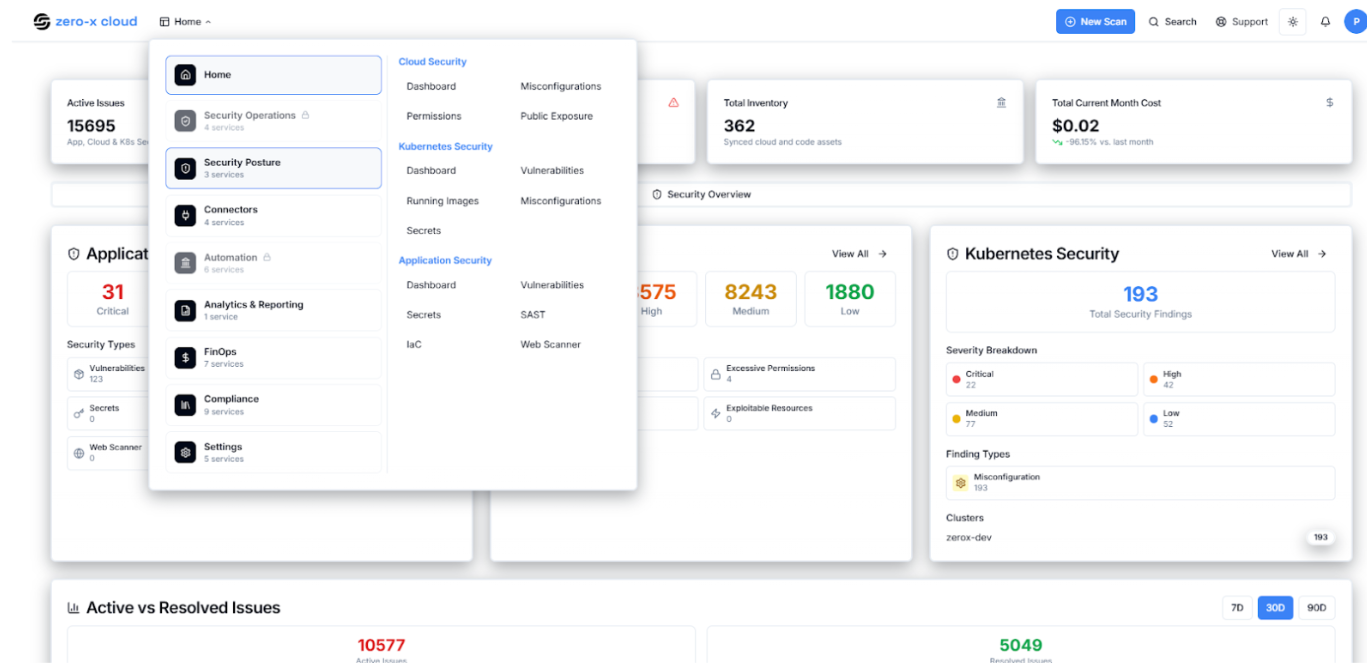
2.1 Dashboard
Step 4 :- So once you select Kubernetes SecurityStep 5 :- You can See Kubenate Dashboard Security Findings > Kubernetes Security > Dashboard In the dashboard, you can see the total finding of your configured EKS, Serverity also recent finding. With the help of a dashboard you can just see the overall activity in one click.