

Step 2 :- Select FinOps
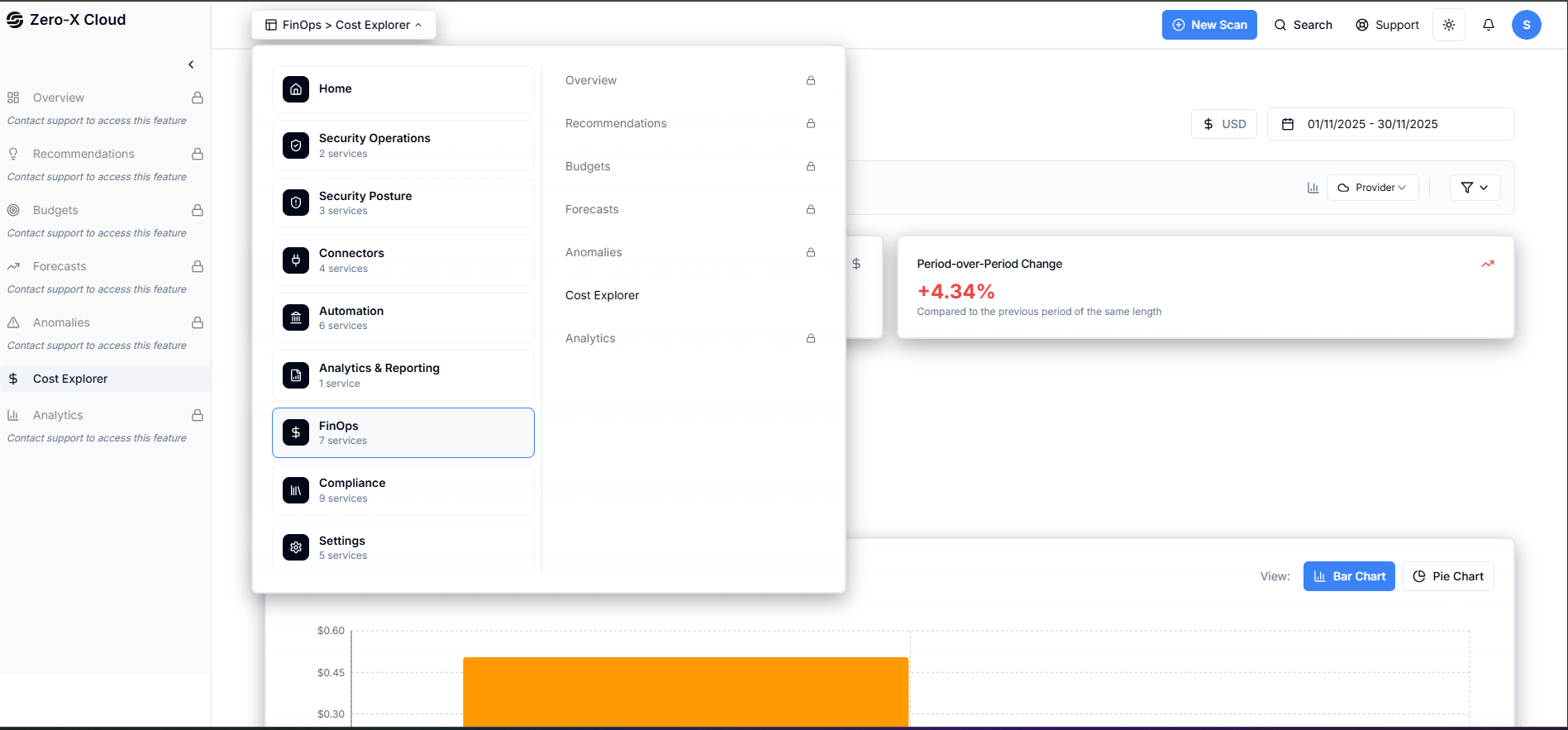
Step 4 :- You can see FinOps dashboard like this
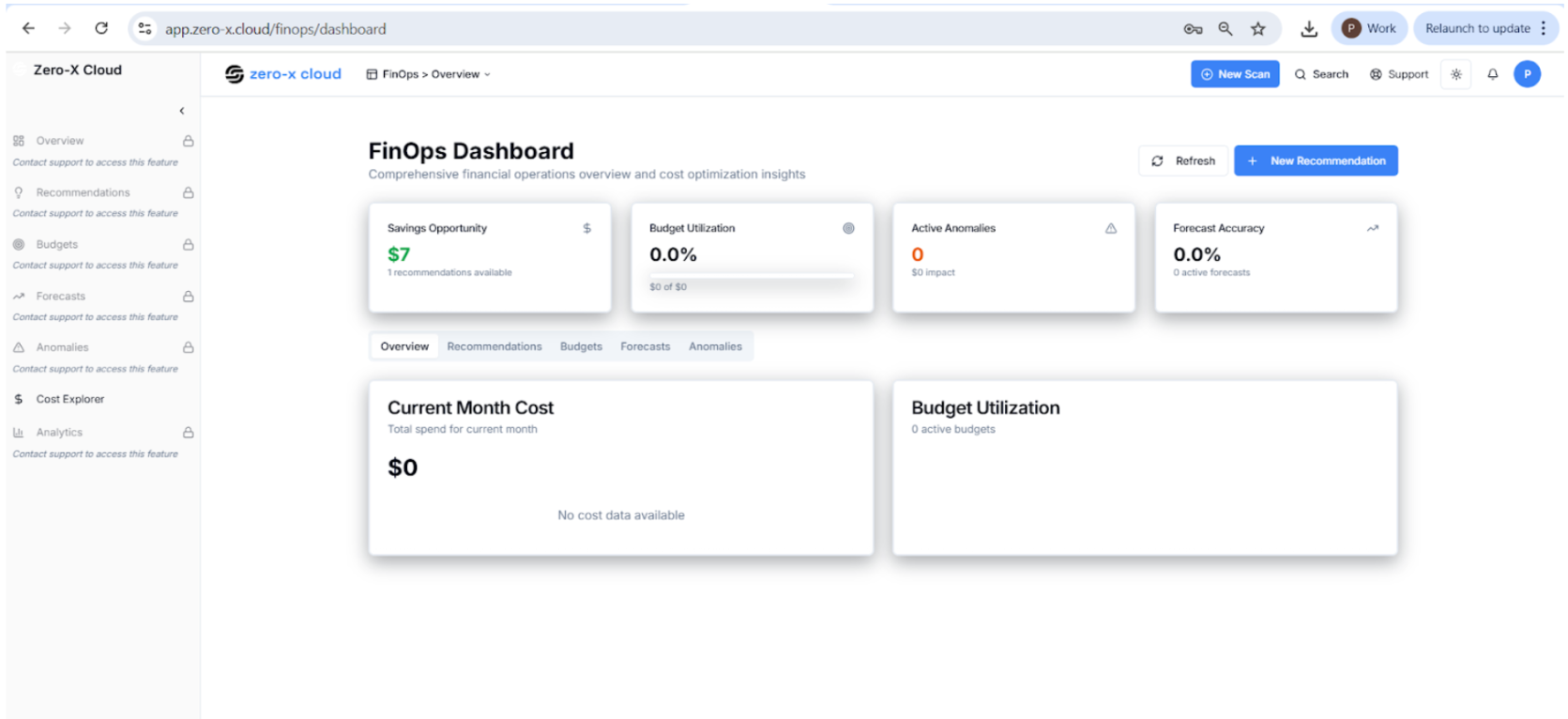
Step 6 :- See the left side menu i.e. Cost Explorer
Step 7 :- Click on Cost explorer FinOps > Cost Explorer Analyze your cloud spending across providers, accounts, and services.
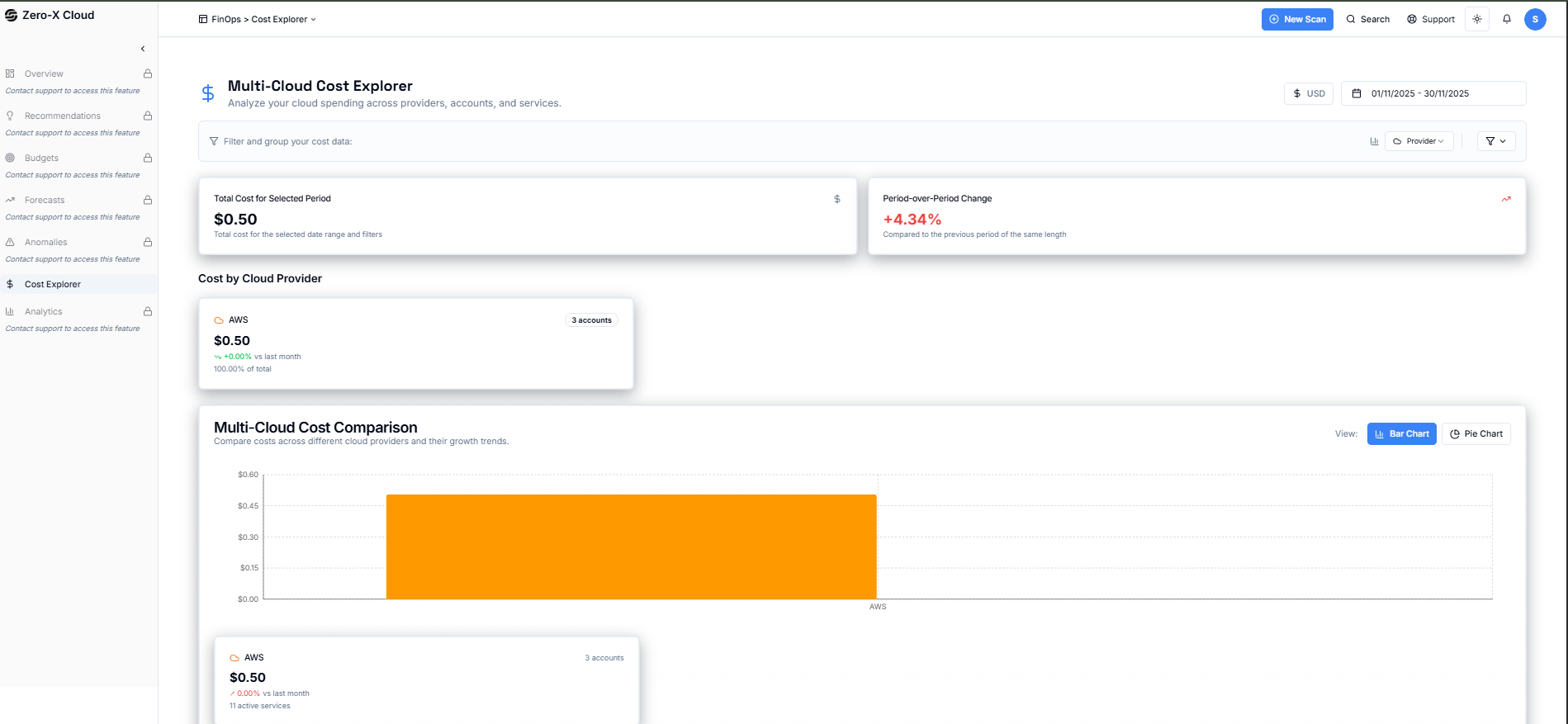
Step 9 :- Right Side Corner there is option to 1, 2, 3 month or 1 Year cost explorer option
Step 10 :- there some categories on you Cost Explorer dashboard where you can cost category wise give below
| Category |
|---|
| Total Cost (All Providers) |
| Period-over-Period Change |
| Cost by Cloud Provider |
| Multi cloud Cost comparison |
| Active AWS Services |
| Billing History |
| Cost by Services |
| Cost by Region |
| Cost by account and provider |